Account Center
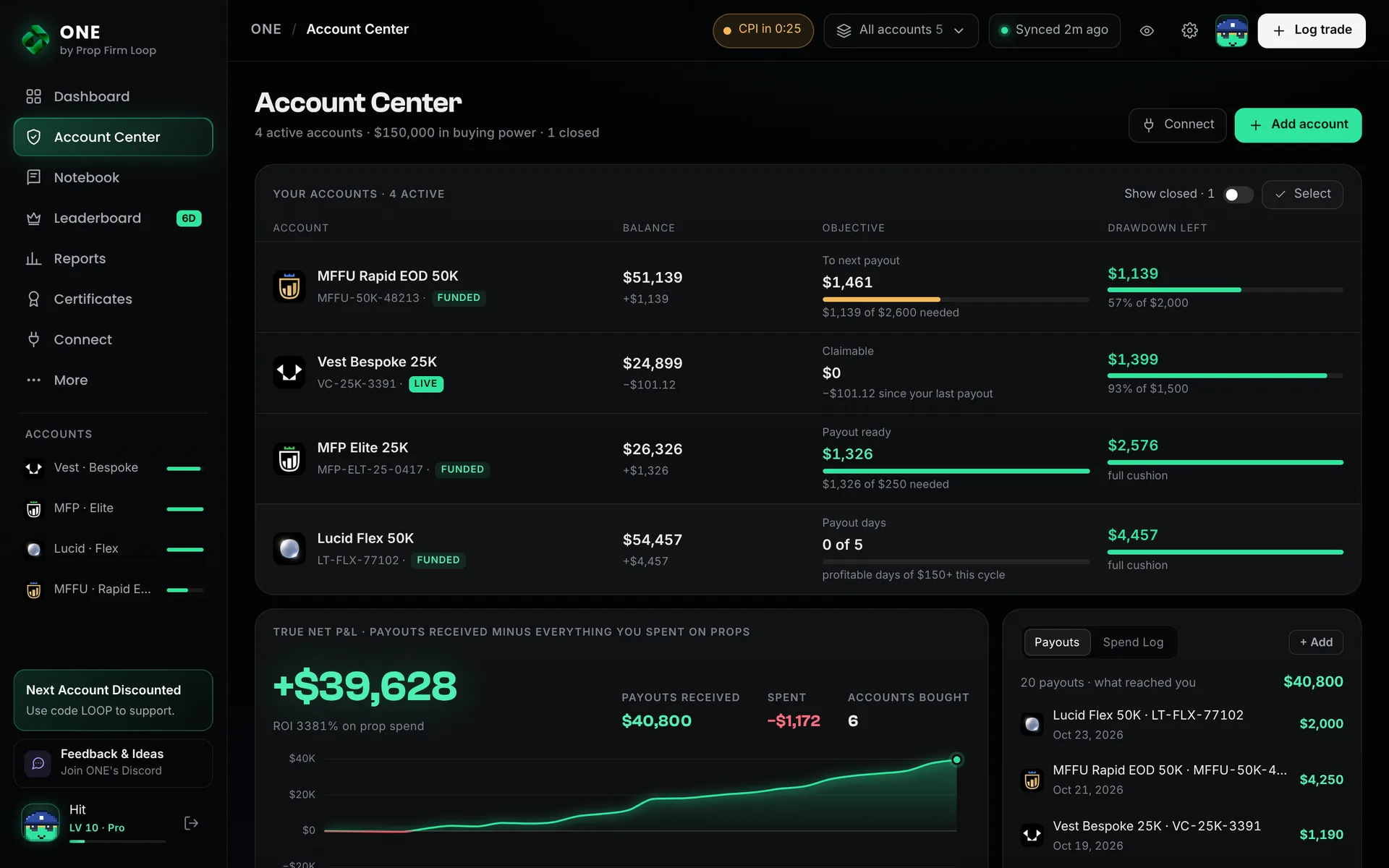
Manage and track your prop accounts. Automatically sync your Vest and MFP accounts or manually import your own. Every account rule, all in ONE.
Sync your Vest and MyFundedPerps accounts, journal your trades, store your certificates and track all your trading reports, from your computer or phone. All for free.
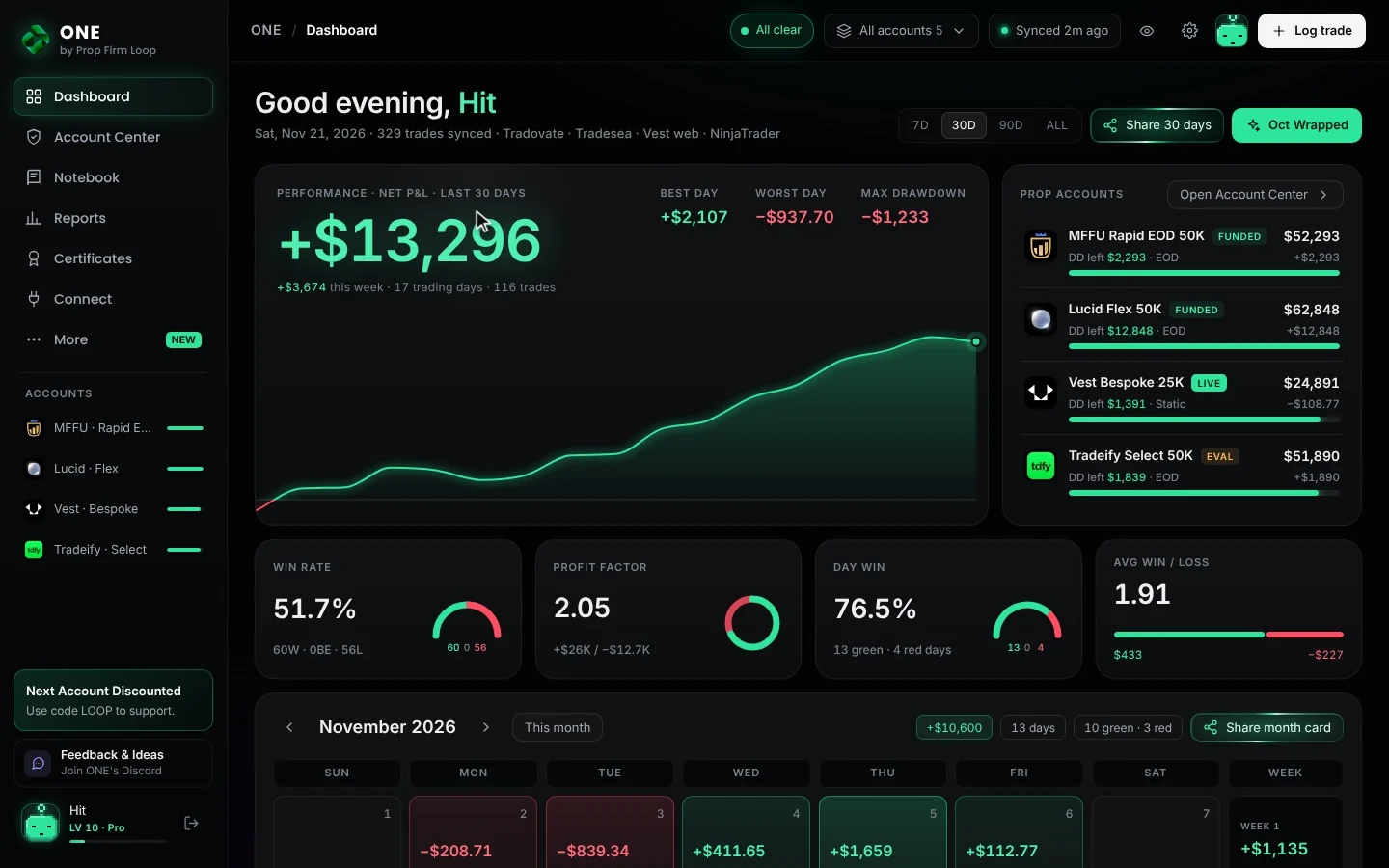
What's inside
Manage and track your prop accounts. Automatically sync your Vest and MFP accounts or manually import your own. Every account rule, all in ONE.
Every day green or red for the accounts you pick: win rate, profit factor, best and worst day, max drawdown, including chart replays.
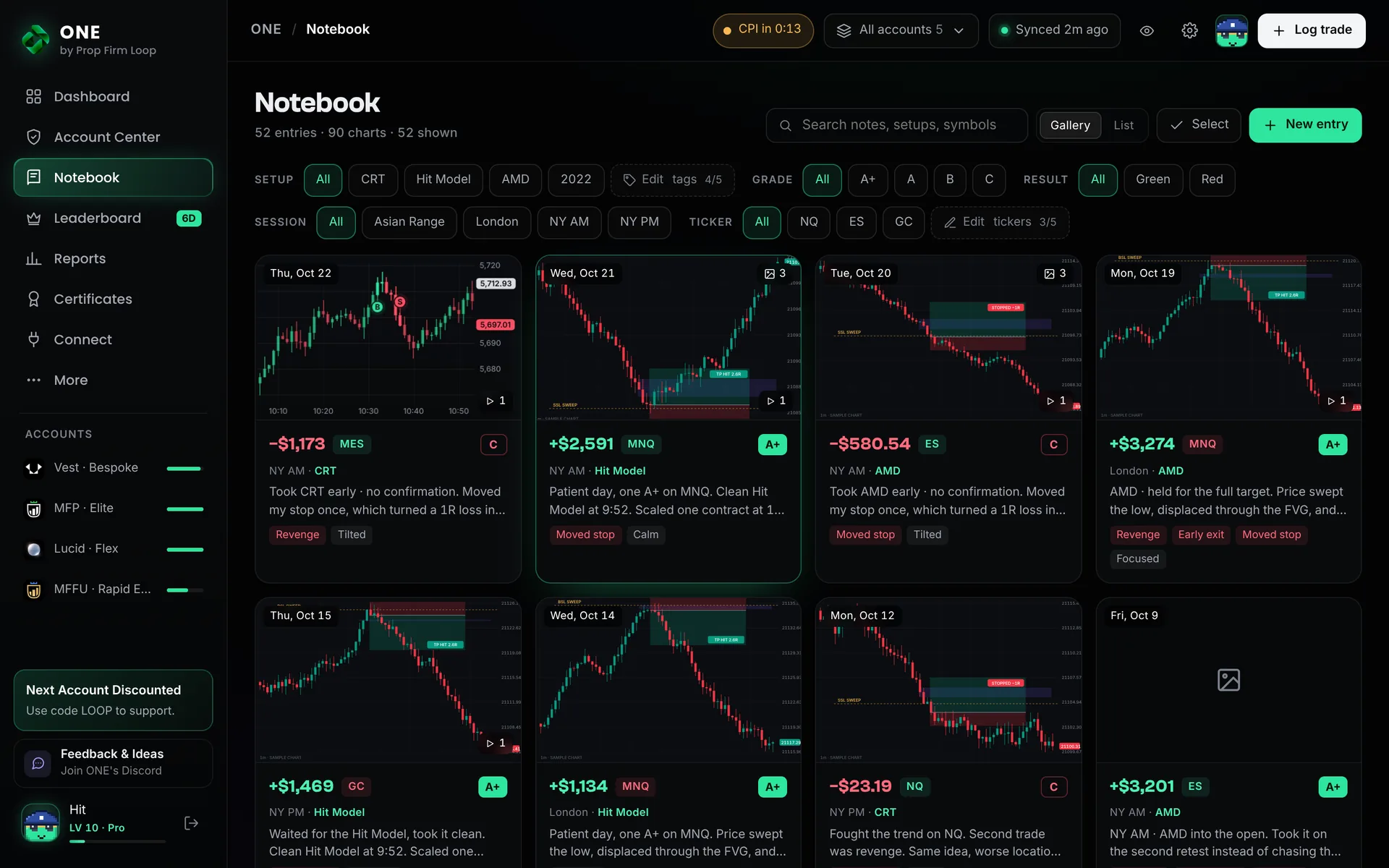
Journal your charts, notes, data and P&L for every trading day. Tag it and add your trade replay.
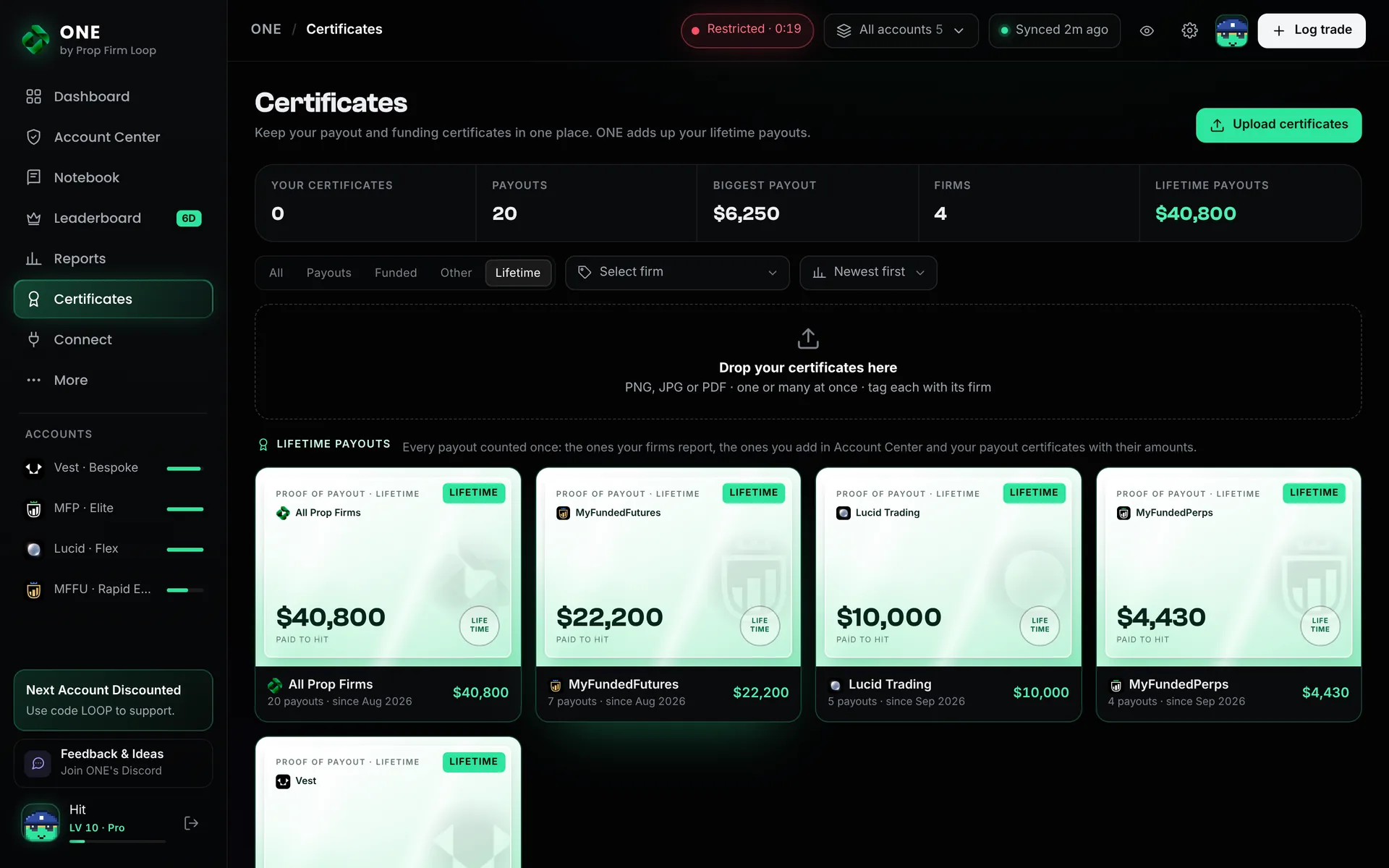
Store and keep track of all your funding and payout certificates.
Study all your stats. From your best hour, to the setups that pay, the mistakes that cost, and more.
Your month in a few slides: the numbers, your best day, your edge. Made to post.
Bring your trades in
 Automatic
A browser extension for Chrome, Edge and Brave. Open Vest like you always do and your trades, accounts and payouts come into ONE as you trade. It only reads what Vest's page already shows you.
 Read-only API key
Paste a Read Only API key from MyFundedPerps and ONE brings in your accounts and closed trades. The key can't place or close a trade.
 CSV or by hand
Import the trades CSV from Tradovate, NinjaTrader or TopstepX, or track an account by hand with its rules filled in.
Account Center
Each account with its balance, the drawdown you have left and what your next payout still needs. Your true net P&L puts every payout against everything you spent on evaluations.
Notebook
Drop in your chart screenshots, write your plan and your review, grade the day and tag the setup. Your trades for the day are right there with it.
Certificates
Manage and upload all your prop firm certificates. Track lifetime payouts across all firms.
Share Cards
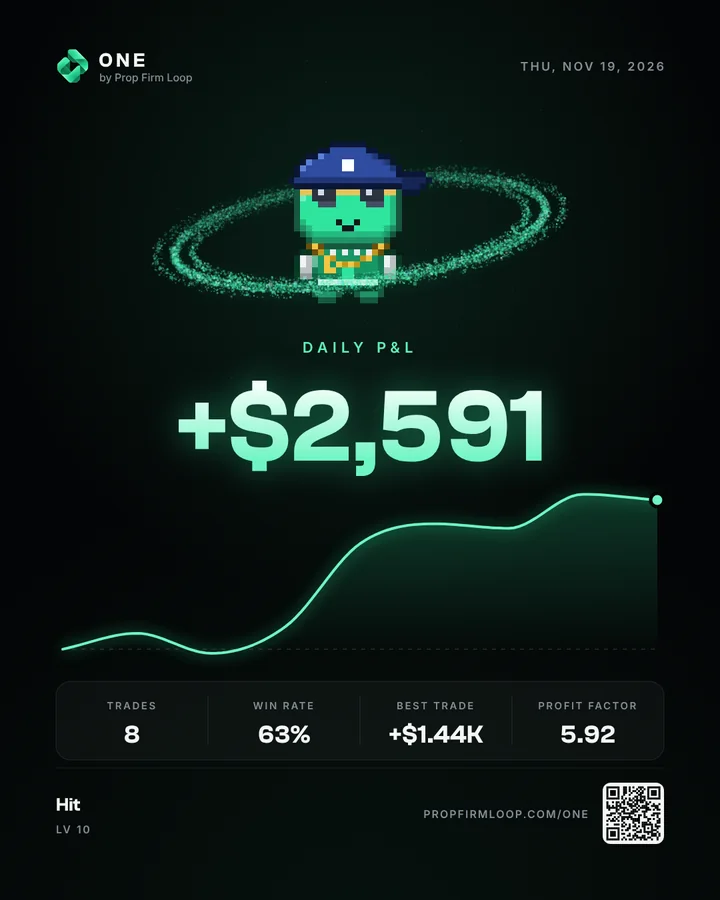
Your day, your week, your month or a single trade, made into a card to post. A month becomes a calendar of green and red days, a day sits on frosted glass or in your avatar's ring of sand, and in Walk your avatar walks through your trades: a money bag for every win, a rock for every loss.


Your Avatar
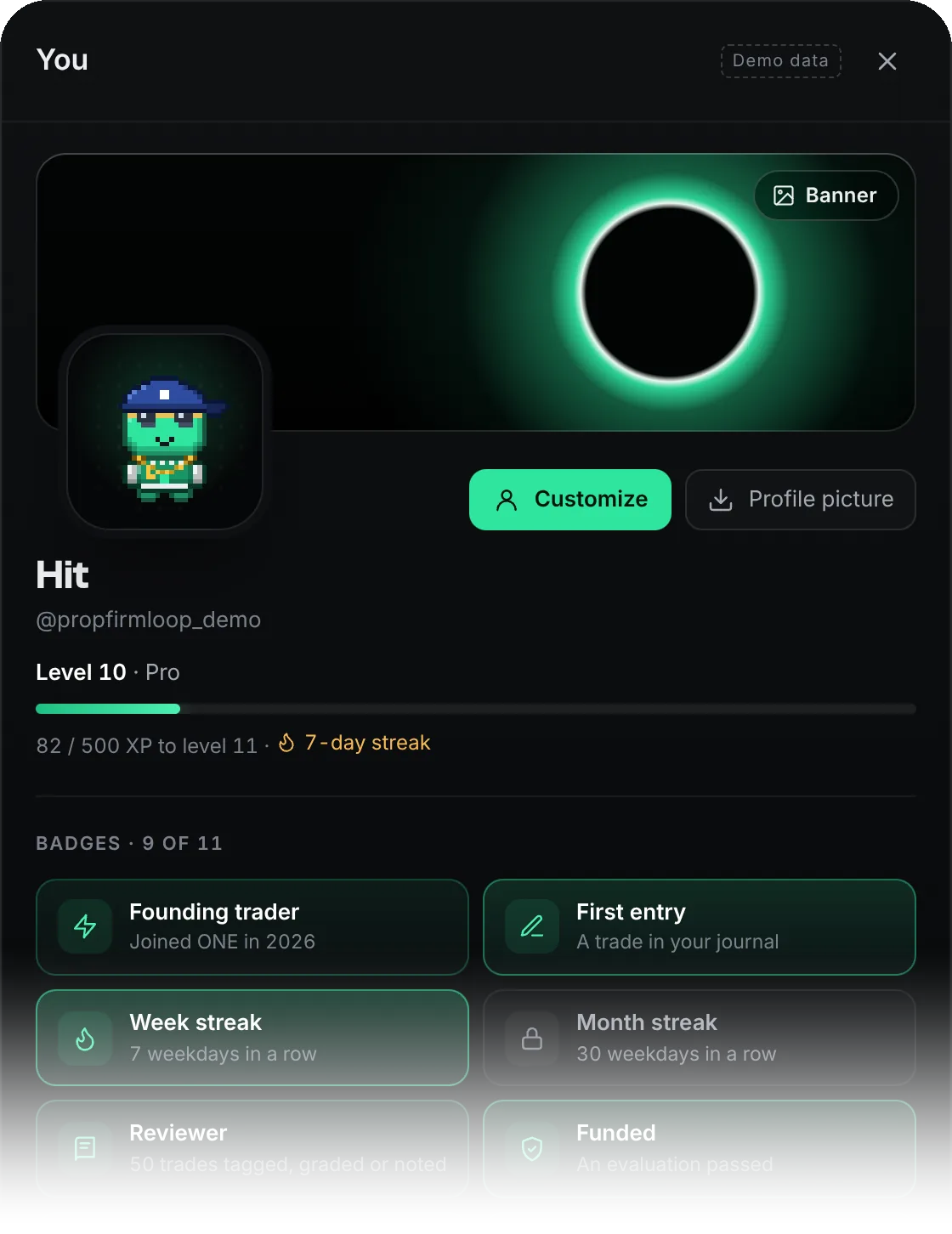
Build the avatar that walks your share cards and plays INFINITE with you. Pick a banner or put up your own picture, and level up as you journal.
ONE, ONE Sync and your data.
Yes. ONE is free to use. All you need is an email address to log in.
Vest syncs on its own with ONE Sync, and MyFundedPerps with a read-only API key. For any other firm, import the trades CSV from Tradovate, NinjaTrader or TopstepX, or track the account by hand. For the firms Prop Firm Loop covers, each account's rules are filled in for you.
It's read-only. It reads what Vest's own page has already loaded for you, never clicks or types, never places, changes or cancels an order, and never touches your Vest login, wallet or payment details. It only runs on Vest's website and on ONE's page.
Yes. Log in on your phone's browser with the code we email you and journal from anywhere. ONE Sync, the extension for Vest, runs on desktop Chrome, Edge and Brave.
Enter your email and we send you a sign-in code. There's no password.
Only you. Prop Firm Loop doesn't sell your data or share it with prop firms. You can export everything, or delete it all, from your account at any time.
Track. Manage. Store.
Start your journal freeConnect with thousands of prop firm traders to discuss ideas, access free resources, join giveaways, and stay informed with the latest prop firm updates.
Join the Community